Mobile applications have become business fundamentals to boost customer loyalty and optimize functional processes and monetary results. Mobile app development creates powerful effects on business market influence together with operational effectiveness.
Business success and user satisfaction depend on selecting the ideal development pathway since it affects application speed alongside user experience together with operational target fulfillment. Businesses must evaluate their specific requirements together with development period and expenses and scalability needs when deciding between native applications versus Flutter cross-platform development.
The following blog delves into the business-related differences between Flutter vs native app development. The information in this assessment helps businesses select the correct method for their business app development.

Chronological Development of Mobile App Technologies
Since the beginning mobile app development has undergone essential evolutions that are divided into specific phases leading to today's advanced technological structure.
Native Development Dominance
At the beginning of mobile app development developers implemented separate native programming languages for distinct platforms. The development process utilized Java or Kotlin for Android apps while Swift or Objective-C served iOS applications.
Development by native methods provided excellent system and hardware compatibility which allowed developers to achieve superior application performance together with an uninterrupted user experience. Developing different codebases per platform frequently resulted in longer development duration because it generated additional expenses.
Emergence of Cross-Platform Frameworks
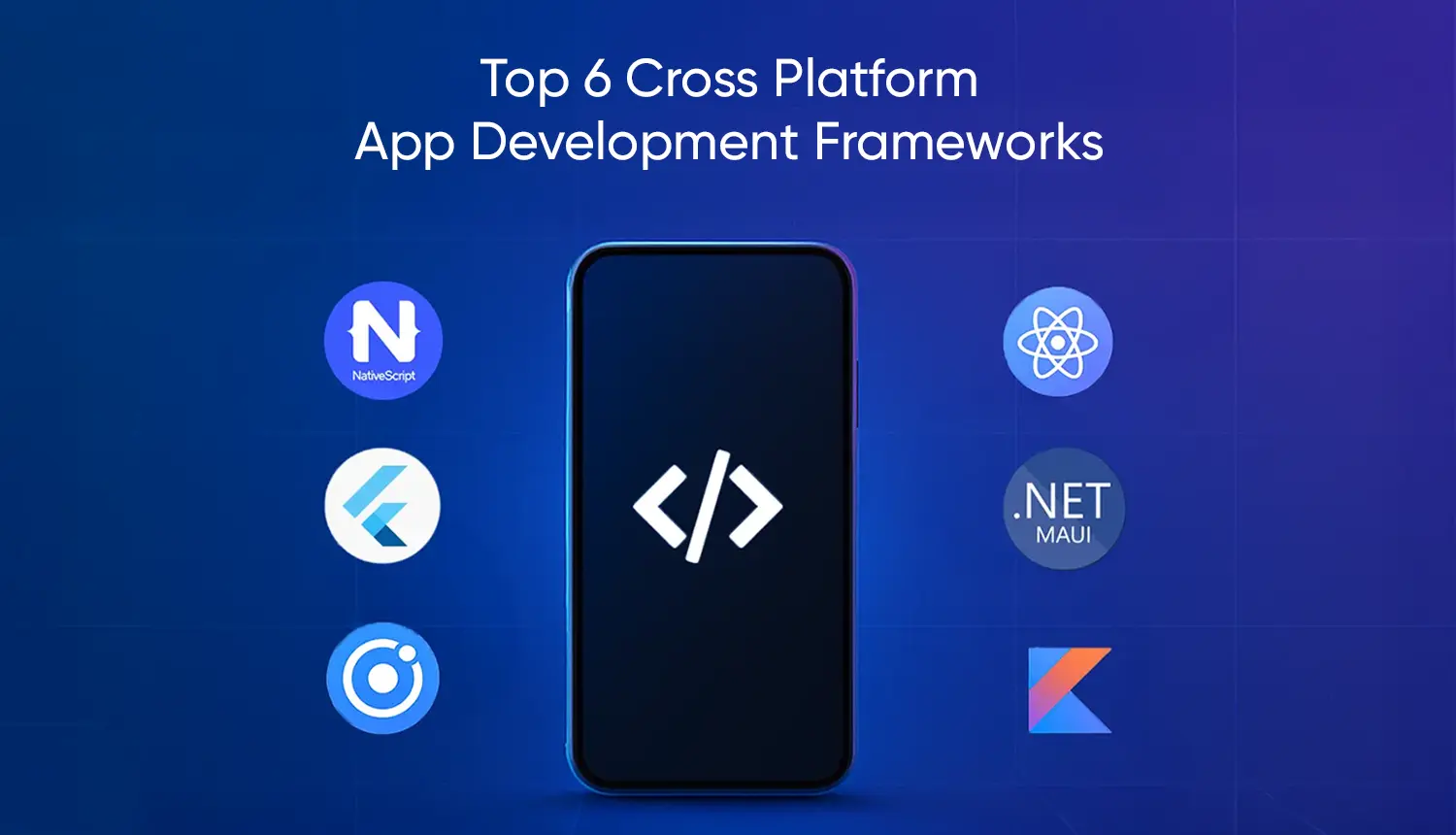
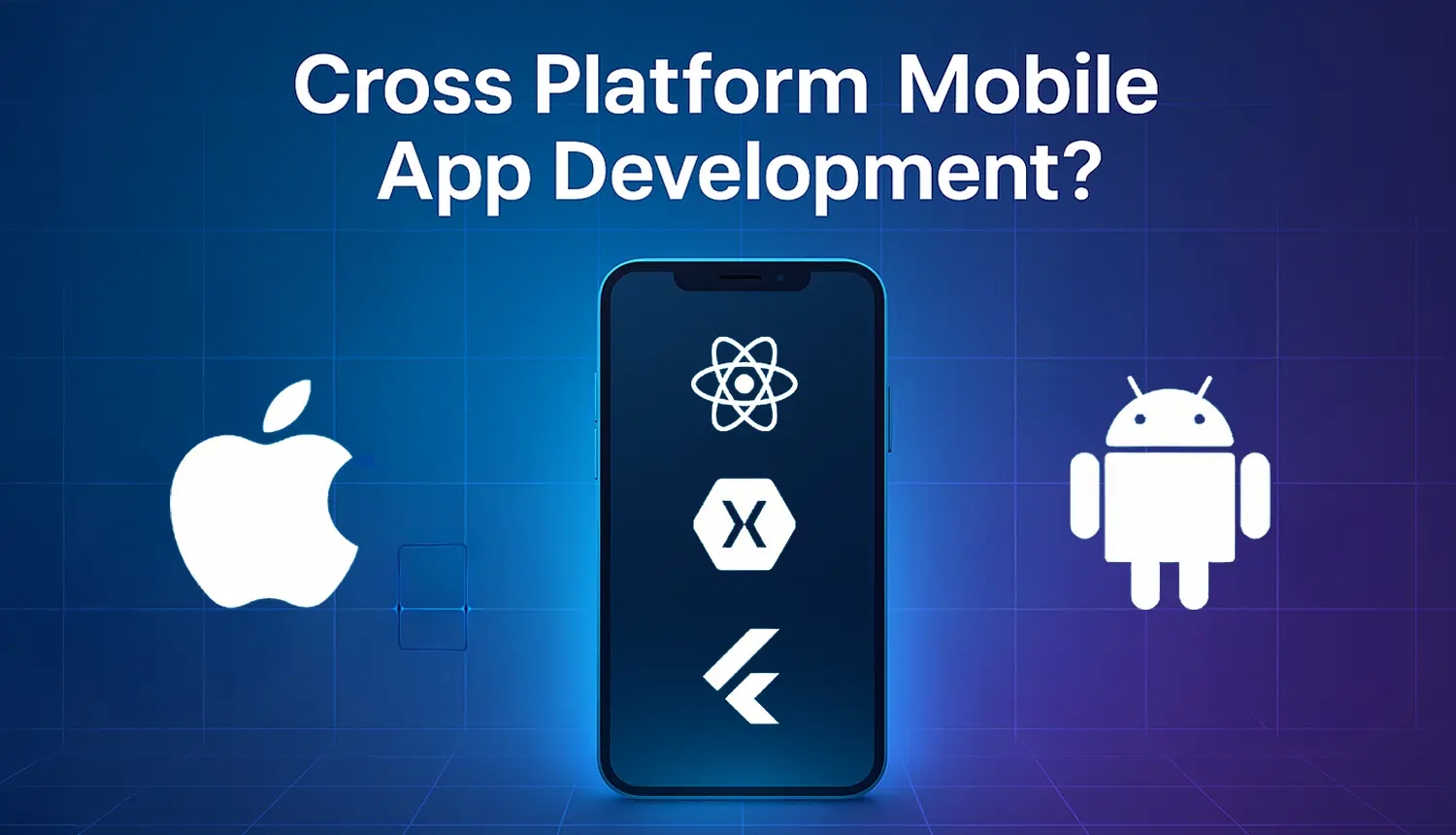
Different programming frameworks appeared to overcome native programming issues because they let developers create one unified programming codebase for platform deployment. Multiple frameworks, such as React Native, Xamarin and Ionic, became favored options because they lowered development time and reduced costs.
A few cross-platform options encountered system speed restraints and challenges obtaining access to platform-specific capabilities that limited their ability to deliver optimal user results.
The Inception of Flutter App Development
Google released Flutter as an open-source User Interface software development kit in 2017 as a tool for building applications that run on multiple platforms. Developers can create natively compiled applications that work for mobile phones and desktop systems and the Web using the same body of code through Flutter.
Developers use Dart alongside its set of pre-designed widgets to create attractive performing applications. Code changes in Flutter applications become possible through the "hot reload" functionality which allows developers to work without application restarts while codes update in real time. The development community has embraced Flutter with enthusiasm because this platform provides efficient delivery of platform-consistent experiences to developers and organizations.
What is Native App Development?
Native app development involves application development for particular operating systems including iOS and Android. The application gets maximum performance benefits from hardware and software features of the device through this approach.
Key Features of Native Apps
1. High Performance
Native applications use platform-specific coding methods and application programming interfaces which makes them perform optimally for rapid user interface operations.
2. Offline Functionality
Native apps function offline but the permanent installation on devices enables users to get needed functionality every time they need it.
3. Access to Device Features
Native applications enable direct communication with device components that include camera and GPS and microphone and sensors to build high-end applications.
4. Consistent User Interface
Native applications follow platform-specific design guidelines. Thus the users get a familiar and intuitive interface that enhances the general experience of the overall user.
5. Push Notifications
Native apps can send push notifications, keeping users informed and engaged with timely updates and information.
6. Regular Updates
Developers can release updates through official app stores that ensure that the users access the latest features and improvements.
7. Utilization of Platform-Specific Features
Native apps can leverage unique platform features, such as Apple's ARKit for augmented reality or Android's Jetpack components, to deliver innovative functionalities.
Common Technologies Used
Developers employ specific tools and languages tailored to each platform:
- iOS Development: It uses Swift or Objective-C as its languages and will use Xcode as its IDE.
- Android Development: It uses Java or Kotlin and is very commonly developed in Android Studio.
Advantages & Disadvantages of Native Apps
Native App Advantages for Businesses
Native mobile applications have a lot of benefits that make them the first choice for businesses to deliver high-quality user experiences. Here is an exhaustive list of the key benefits:
- Enhanced Security: Leveraging platform-specific security features, native apps provide robust protection against data breaches and other security threats.
- Complete Access to Device Features: Native apps can access the camera, GPS, and microphone facilities as well provided by a mobile device to make applications with more features.
- Offline Capability: Such applications can function even when there is no internet connection available. Using these applications, users can access important information and features anytime.
- Less Bugs and Stability : Maintaining isolated codebases for each of the aforementioned platforms reduces those dependencies and bugs and as a result may produce a more stable app.
- Scalability: Native apps provide greater scalability to businesses in terms of adding new features to accommodate increasingly large bases without relying on diminished performance.
- Direct App Store Support: Native apps receive full support from app stores, ensuring timely updates and better visibility, which can lead to increased downloads and user trust.
- Better Integration with Existing Systems: Native apps can easily integrate with existing enterprise systems and databases, ensuring a smooth flow of data and efficient operations.
- App Store Optimization (ASO): More likely to go into the app store where they can be featured with better visibility and credibility that may result in higher download rates.
- Future-Proofing: Native apps are inherently better positioned to cope with new features and updates on platforms.
- Enhanced User Engagement: With capabilities like haptic feedback and in-app purchases, native apps can offer interactive and monetizable experiences.
Native App Disadvantages
While native app development offers numerous advantages, businesses should also consider several potential drawbacks when deciding on their mobile strategy:
- High Development Costs: Developing separate apps for iOS and Android requires distinct teams, leading to increased financial investment.
- Extended Development Timelines: Writing unique code for each platform prolongs development, delaying time-to-market.
- Resource Intensiveness: Maintaining separate codebases demands specialized developers, increasing project complexity and straining resources.
- Complex Maintenance and Updates: Implementing updates separately for each platform leads to higher ongoing maintenance costs.
- Limited Code Reusability: Inability to reuse code across platforms results in duplicated work and inefficiencies.
- Lengthy Download and Installation Process: Multiple steps to download and install native apps may deter users, leading to lower adoption rates.
- Higher Maintenance Costs: Ongoing expenses include app store fees and commissions on in-app purchases, adding to costs.
- Challenges in Achieving Feature Parity: Ensuring consistent features across iOS and Android versions can be challenging, affecting user experience.
What is Flutter?

Source: Flutter
Through its open-source development Google offers Flutter as a UI software development kit which enables developers to generate natively compiled mobile desktop and web applications from one unified codebase. Applications that perform at high speeds and look attractive result from Flutter thanks to its framework built using the Dart programming language.
Key Features of Flutter
- The application development process becomes faster because hot reload shows developers immediate code effects without requiring application restarts.
- Since developers write code from one source only Flutter enables them to create applications for multiple platforms which reduces development time and workload.
- Widgets help create an expressive and flexible user interface which automatically adjusts according to screen sizes and orientations.
- Flutter architecture compiles to native ARM code giving smooth running and fast applications.
- Flutter allows for direct access to native device features and APIs. This means developers can leverage the power of native features and APIs like cameras, geolocation, and sensors.
- The vast number of packages and plugins available through Flutter Package Manager (pub.dev) offer ready-made solutions to most common app requirements.
- Dart programming language is optimized for fast applications running on any platform with sound null safety, reducing common bugs to help enhance code quality.
- Flutter's widget-based architecture allows for a truly consistent UI across different platforms, enabling developers to create complex UIs with ease.
- Google's support and open-source community provides Flutter developers with instructional material and third-party components which boosts community learning.
- Developers can smoothly merge Flutter with existing programming codebases to develop new features while utilizing their current applications or migrate their framework at an incremental pace.
Pros and Cons of Flutter for Businesses
Advantages of Flutter for Businesses
1. Faster Development: A single codebase for multiple platforms with hot reload enables rapid iterations, reducing time-to-market and boosting efficiency.
2. Cost Savings: Maintaining one codebase cuts development and maintenance costs, requiring fewer developers and minimizing expenses across platforms.
3. High Performance: Flutter compiles to native ARM code and uses Skia for smooth animations, ensuring a seamless and responsive user experience.
4. Consistent UI: Rich customizable widgets provide visually appealing, uniform designs across platforms, enhancing brand identity and user experience.
5. Scalability: Flutter’s architecture supports future technological advancements, ensuring long-term adaptability for new platforms and business growth.
6. Strong Community Support: Google-backed with extensive developer contributions, providing access to resources, plugins, and troubleshooting solutions.
7. Rich Plugin Ecosystem: Thousands of pre-built plugins simplify integration of features, saving development time and improving functionality.
8. Easier Maintenance: A single codebase enables simultaneous updates, reducing bugs and ensuring consistency across Android, iOS, web, and desktop.
9. Rapid Prototyping & MVPs: Faster development cycles allow quick idea testing, helping businesses validate concepts before full-scale development.
10. Google’s Continuous Support: Regular updates and innovation ensure Flutter stays competitive, providing businesses with a future-proof development framework.
Disadvantages of Flutter for Businesses
1. Flutter apps often have larger file sizes than native apps, potentially deterring users with limited storage.
2. Being relatively new, Flutter's ecosystem has fewer third-party libraries, possibly requiring more custom development.
3. In complex scenarios, Flutter apps may not match native performance, especially in resource-intensive applications.
4. Dart is less popular than languages like Java or Swift, making it harder to find experienced developers.
5. New OS features may take longer to be supported in Flutter, delaying access to the latest functionalities.
6. Widget-based architecture can lead to deeply nested code, complicating maintenance for large applications.
7. Flutter may not fully support certain platforms like wearables or smart TVs, restricting its applicability.
8. The inherent size of Flutter apps can be a disadvantage, especially for instant apps with strict size limits.
9. The non-native Bluetooth mechanics of Flutter create technical obstacles to link with hardware devices through Bluetooth interfaces.
10. The higher expense of Flutter development occurs due to the necessity of skilled specialists along with technical requirements for maintaining uniformity across multiple platforms.
Detailed Comparison between Flutter vs Native App Development

Flutter vs Native App Development: What to Choose?
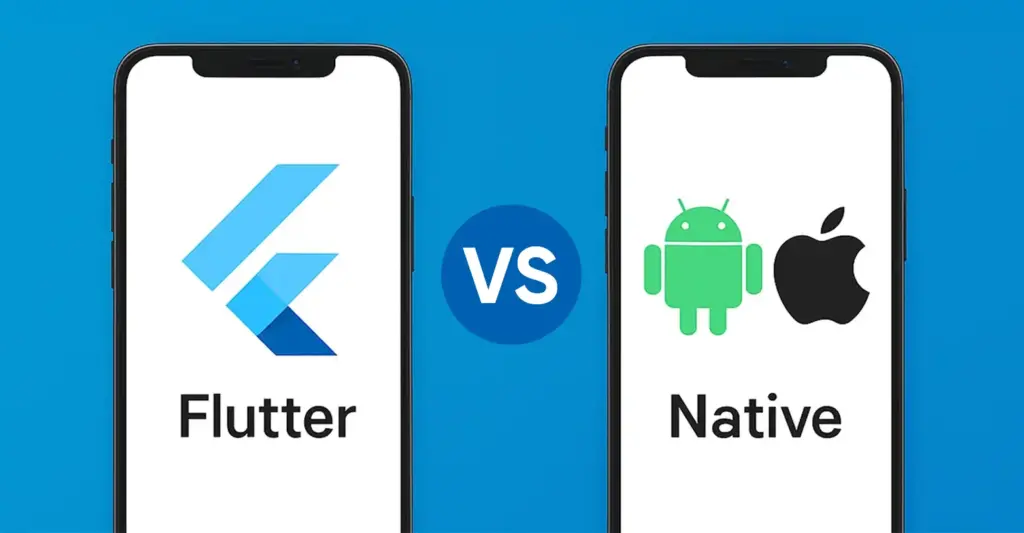
The selection between Flutter and native development depends heavily on multiple determining elements which include budget requirements as well as project timeline and user experience needs. The following analysis explains in detail what businesses need to know before making their choice.
Cross-Platform Consistency
To deliver a consistent user experience between iOS and Android platforms a business should select Flutter because its single coding foundation maintains design standards and operational consistency.
Rapid Prototyping and MVP Development
Flutter provides entrepreneurs and businesses with an opportunity to develop their concepts swiftly thus enabling them to enter the market quickly and gather customer feedback.
Budget Constraints
When resources are limited, Flutter's unified development approach reduces the need for multiple teams, leading to significant cost savings.
Complex UIs with Custom Animations
Flutter's rich widget library and flexible design capabilities make it ideal for applications requiring intricate user interfaces and animations.
When to Choose Native App Development?
High Performance Requirements
For applications demanding optimal performance, such as high-end games or resource-intensive tools, native development offers superior speed and efficiency.
Access to Platform-Specific Features
If your app relies heavily on platform-specific functionalities like advanced camera controls, Bluetooth, or background services, native development provides direct access to these features.
Adherence to Platform Design Guidelines
When aiming to provide a user experience that aligns closely with platform conventions, native development allows for strict adherence to iOS and Android design guidelines, ensuring familiarity for users.
Long-Term Scalability and Maintenance
For large-scale applications anticipated to evolve with complex features over time, native development facilitates better scalability and maintainability, leveraging mature ecosystems and tools.
Examples of Successful Native Apps
1. Mighty Networks
This platform provides creators and brands an opportunity to establish community-based social networks that include courses and live events together with membership options.
2. Discover
The users of this banking application access all account features and bill payment requirements through biometric authorization.
3. Instagram
Instagram is a popular social network which enables users to upload posts while editing their content and real-time interactions.
4. Duolingo
Through its gamified teaching approach and speech recognition functionality and AI-based exercises the app helps people learn languages.
5. Hive
The program enables teams to handle projects by maintaining tasks where users can track due dates while integrating workflows into their processes.
6. Adobe Lightroom
This professional application provides photographers with wild AI technologies along with cloud storage facilities for photo editing.
7. Mint
The personal finance application tracks expenses, generates budgets and safeguarded managers financial goals for its users.
Best Examples of Flutter Applications
eBay Motors
On eBay Motors users can browse and purchase complete vehicles together with their vehicle components along with accessories. The app offers three essential features for automotive enthusiasts which include chat with resellers together with a new listing alert setting and a search bookmarking system.
Google Pay
Google Earth renders a 3D representation of Earth based on satellite imagery. It allows users to enter addresses using a keyboard or mouse and explore any location across the globe.
My BMW
Through the My BMW app, BMW owners gain full vehicle access which includes vehicle status tracking and remote services at the same time as navigation features. Users receive improved driving luxuries due to the personalized services and real-time information delivered by the app.
Realtor.com
The Flutter-based Realtor.com app supports users in their home search through its full property listings. It includes detailed information alongside premium photos and virtual property tours. The app also offers features like mortgage calculators and neighborhood information to aid in the home-buying process.
1. Nubank
Nubank is a leading fintech company in Latin America, offering digital banking solutions. Their Flutter-based app provides users with a range of financial services, including account management, payments, and investment options, all within a user-friendly interface.
2. Google Earth
Google Earth is a computer program that renders a 3D representation of Earth based on satellite imagery. Users can explore the globe by entering addresses and coordinates or by using a keyboard or mouse.
Overcome Flutter vs Native App Development Dilemma with BrainX
Modern organizations face substantial difficulties when developing mobile applications in the current rapidly changing digital world, including:
- Monitoring new development patterns from Android and iOS so their apps stay contemporary and competitive.
- Creating user interfaces must focus on enhancing satisfaction through engaging interfaces which people can easily navigate.
- Ensuring compatibility across a wide range of devices with varying screen sizes and hardware capabilities.
- Seamlessly incorporating third-party APIs to enhance app functionality without compromising performance.
BrainX Technologies focuses on defeating these obstacles by creating special applications using Flutter and native development for various market sectors. Our team dedicates itself to developing user-friendly high-performing apps that exceed market demands.